In this guide
TL;DRThe short version
- NICOP is Pakistan’s identity document for citizens living overseas; it is not a UAE residence permit or a passport.
- A renewal can be started through NADRA’s PakID service or the route published by the Pakistan Consulate in Dubai.
- The Dubai consulate says NADRA services are strictly appointment-based and lists NICOP renewal, fresh, reprint/lost and modification as separate services.
- Make sure names, dates, parent details and passport information match before you submit.
- Use the current NADRA fee and processing page because the amount and priority service can change.
A practical NICOP renewal guide for Pakistanis in the UAE: choose the NADRA or consular route, prepare matching identity records and book the right appointment.
NICOP is the National Identity Card for Overseas Pakistanis. If you live in the UAE, use this guide when the card is close to expiry, has been lost, needs a correction or no longer matches your identity records. NICOP is issued by Pakistan's National Database and Registration Authority, not by UAE immigration, and it is not a substitute for a Pakistani passport when you travel.
Choose the right route
There are two practical starting points. NADRA's official NICOP page and PakID service support online applications, renewals, modifications and reprints. The Consulate General of Pakistan in Dubai also lists NADRA services and provides a local appointment route for applicants who need the consular counter or biometric help.
The Dubai consulate says its NADRA services are strictly by prior appointment. It lists NICOP Renewal, Fresh NICOP, NICOP Reprint/Lost and NICOP Modification as separate services. Do not book a fresh application when your problem is a correction or lost card: the documents and fee category can differ.
If you are comfortable using the official PakID route and your case can be verified online, start there. If the application directs you to a mission, biometric step or local appointment, follow that instruction. Use only the official NADRA and Pakistan mission sites; a commercial agent cannot approve an identity record.
Get your records to agree
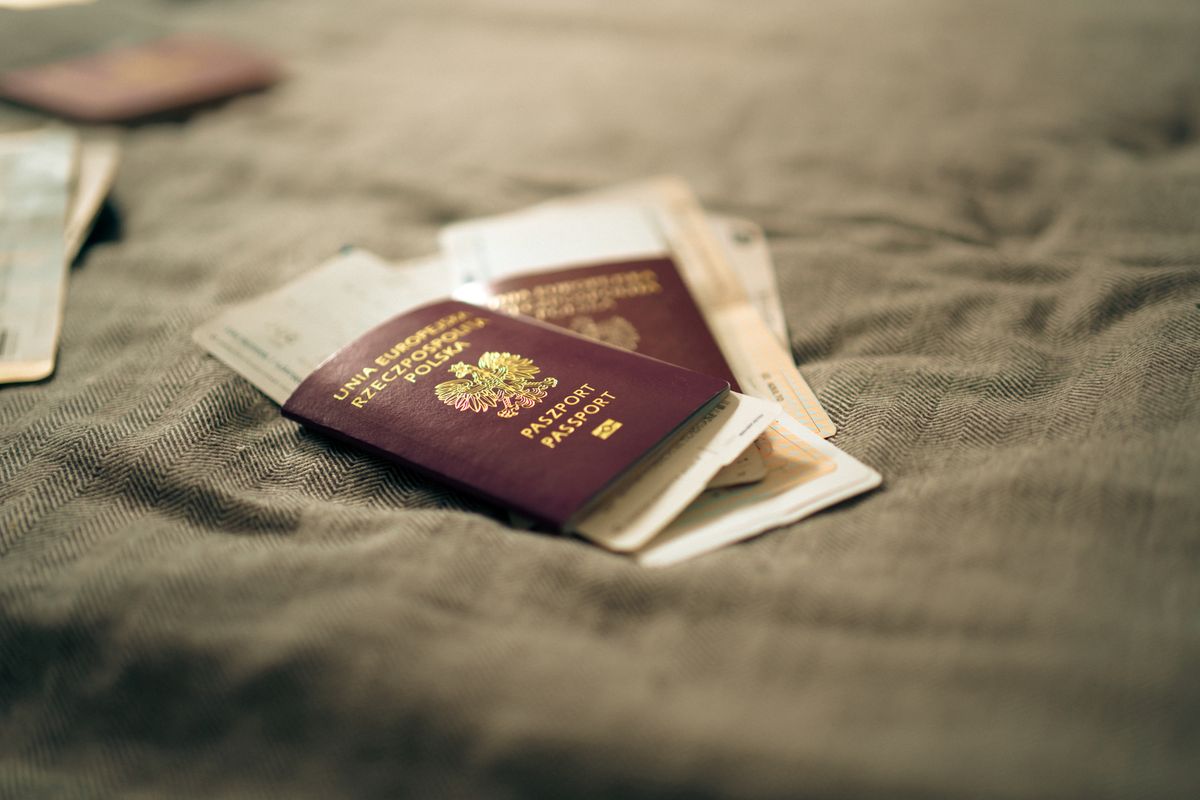
Before starting, compare the name, date of birth, parents' names, nationality information and passport number on the existing NICOP, passport, birth record and UAE identity documents. A small spelling difference can become a modification or verification case. Scan clear copies and keep the application number, payment receipt and delivery address.
NADRA's published requirements can include a Pakistani or foreign passport, residence permit or travel document, a verified birth record, parent or blood-relative identity information and verification of the application. The exact evidence depends on whether the case is a renewal, first issue, modification, lost-card reprint, child application or non-resident record. Do not rely on a checklist from another country.
For a child or a family-record change, prepare the birth or relationship documents before you pay. If a passport and NICOP use different spellings, ask the mission or NADRA how to correct the record rather than submitting a second application with a third spelling. A mismatch is not just a paperwork headache: NADRA's fee page prices a case of similar or slightly different personal details at USD 10 to clear, rising to USD 120 to USD 200 in the Middle East and Africa zone once the records show genuinely different details rather than a minor spelling variant. Fixing the record before you apply is cheaper than paying to clear a conflict afterward.
Appointment and submission
For a Dubai consular appointment, check the current token and NADRA timings on the consulate site. The consulate's own NADRA services page lists counter hours of Monday to Thursday, 7am to 1pm. The listed Dubai location is on Khalid Bin Waleed Road in Umm Hurair One; verify the address and opening hours again before leaving because public-holiday and Ramadan hours can differ.
Take the original documents and the copies requested, the existing NICOP if you have it, passport and UAE status evidence, the appointment confirmation and a payment method accepted by the office. If biometrics or a photograph are requested, follow the current specification. Keep the receipt and tracking reference until the card arrives.

Online applicants should use the official PakID app or portal, upload readable documents, pay through the available official method and track the application in the same account. Never share a PakID password or one-time code with a fixer.
Fees, timing and delivery
NADRA's live fee page lists Smart NICOP Renewal for the Middle East and Africa zone at three tiers: USD 20 for normal processing in 31 days, USD 30 for urgent processing in 23 days, and USD 40 for executive processing in 9 days. Processing time begins according to the official fee page and service category, so do not convert a normal estimate into a guaranteed delivery date. Check the current fee structure before paying, since NADRA revises these figures periodically, and save a copy of the page with your receipt.
A typo or an outdated field does not always call for a full renewal. NADRA's fee page separately lists a USD 5, two-day service for updating a non-printable field on an existing card through the PakID mobile app. That route is faster and cheaper than a normal renewal when the card itself has not expired.

If a card is delayed, use the official tracking or complaint route and quote the application number. If the card is lost after delivery, use the reprint or lost-card category instead of opening a duplicate renewal. Keep your passport and UAE residence documents available while the NICOP is being processed.
Before you submit
Prepare one secure folder with the existing NICOP, passport, UAE visa or Emirates ID, birth or family documents, clear scans, appointment confirmation and payment receipt. Check every name and date twice. The Pakistani mission or NADRA is the authority for the identity record; UAE employers, banks and immigration offices may still ask for a valid passport and UAE status evidence alongside NICOP.